Google Review QR Code: A Beginner’s Guide to Getting More Customer Reviews
Meta description: Boost reviews fast with a Google Review QR Code. Learn how to create, use, and optimize it to improve local SEO and customer trust.
Permalink: google-review-qr-code-beginners-guide
Running a business today is not just about offering great products or services. You also need a simple way for customers to share their experience.
One of the easiest tools you can use is a Google Review QR Code.
This small but powerful tool helps customers leave reviews in seconds. It can improve your Google Business Profile, boost your local SEO rankings, and build trust with new customers.
In this guide, you will learn what a Google Review QR Code is, why it matters, and how to create one step by step. Let’s get started.
What Is a Google Review QR Code?
A Google Review QR Code is a scannable code that takes customers directly to your Google review page.
When someone scans it with their phone camera, they can instantly leave a review without searching for your business.
This helps you get more Google reviews and improve the customer experience.
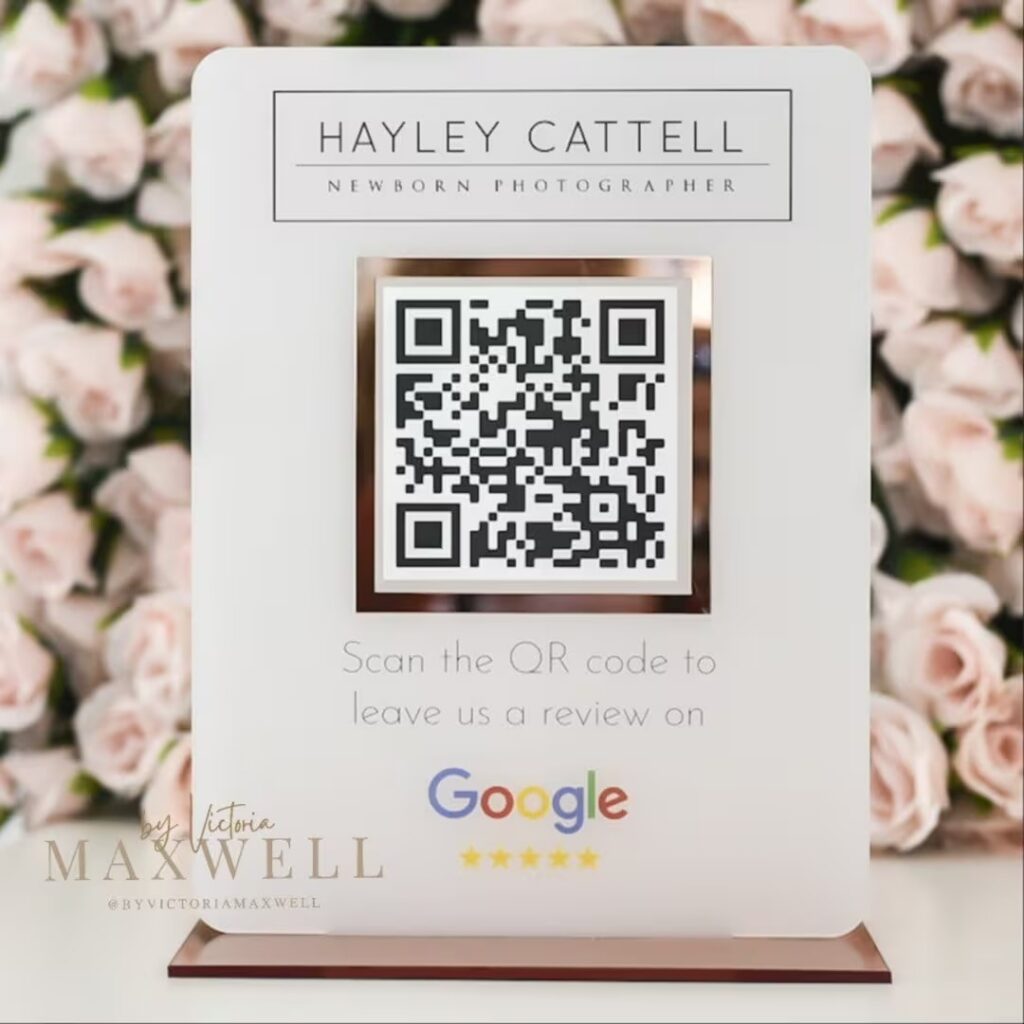
Instead of asking customers to find you on Google, you give them a direct shortcut. This makes the process faster and easier, which means more people will actually leave feedback.
Why Your Business Needs a Google Review QR Code
Customer reviews play a huge role in how people choose a business. A steady flow of positive Google reviews can improve your visibility and reputation.
A QR code makes it simple for customers to take action right away. Here are all of the reasons why you absolutely need to take advantages of Google review QR codes:
Boosts Local SEO
Google reviews are a key ranking factor in local search results. The more reviews your business gets, the better your chances of showing up in the Google local pack.
A Google Review QR Code removes friction and helps you collect more reviews consistently.
Builds Trust With Customers
People trust businesses with strong reviews. When potential customers see real feedback from others, they feel more confident choosing you.
A QR code helps you gather those reviews faster and more often.
Makes Leaving Reviews Easy
Even happy customers forget to leave reviews. Some may not know how to find your business online.
A QR code solves this problem by sending them directly to the review page in one quick scan.
Works for Any Type of Business
Whether you run a restaurant, coffee shop, salon, or service business, reviews matter.
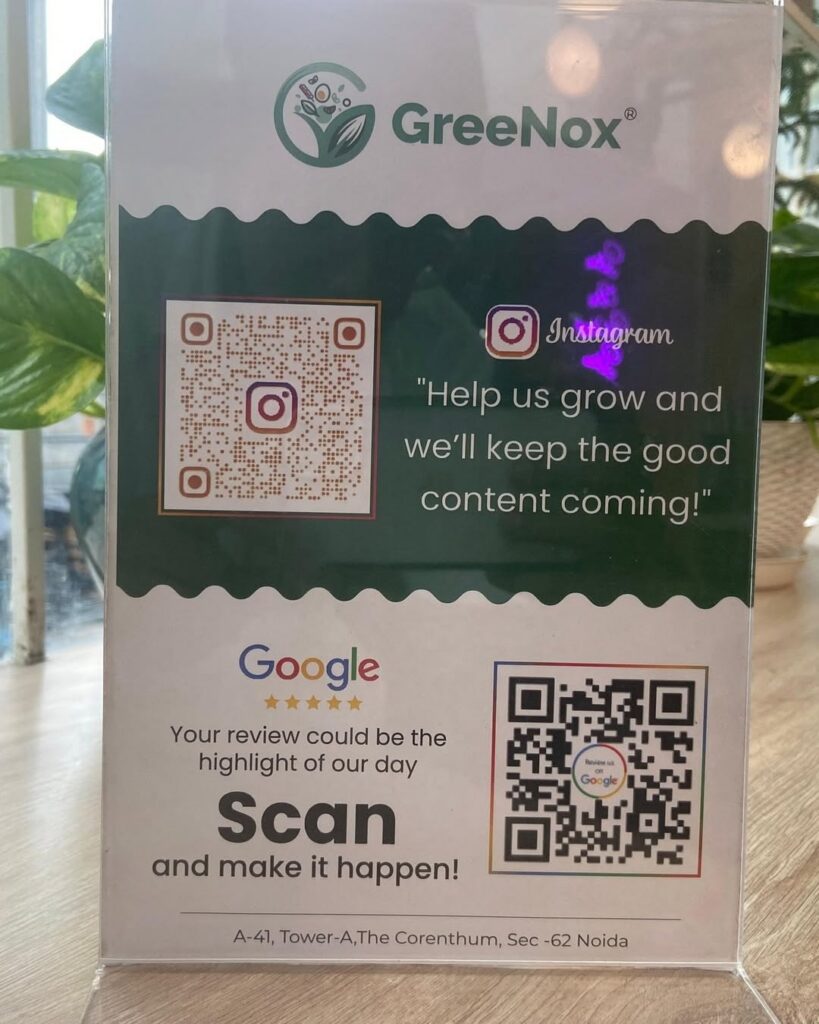
A Google Review QR Code fits into almost any customer interaction and helps increase engagement.
Where to Use a Google Review QR Code
A QR code works best when placed where customers already interact with your business. The goal is to catch them at the right moment, usually right after a positive experience.
Here are a few simple ways businesses use them:
- Restaurants add them to menus or table cards
- Retail stores print them on receipts or packaging
- Service businesses include them on invoices or business cards
- Clinics place them on appointment reminders
- Events display them on signs or booths
The key is to keep it visible and easy to scan.
How to Create a Google Review QR Code
Creating a Google Review QR Code is simple and takes just a few minutes. You can either download it directly from your Google Business Profile, or you can generate one using your review link.
Downloading directly from your GBP is simple – once you log in, you can find the code and take a screenshot or download it.
Below are the steps to create one with a generator as you will need to do a few extra steps.
Step 1: Log in to Your Google Business Profile
Sign in to your Google Business Profile account.
Step 2: Select Your Business
Choose the location you want reviews for.
Step 3: Get Your Review Link
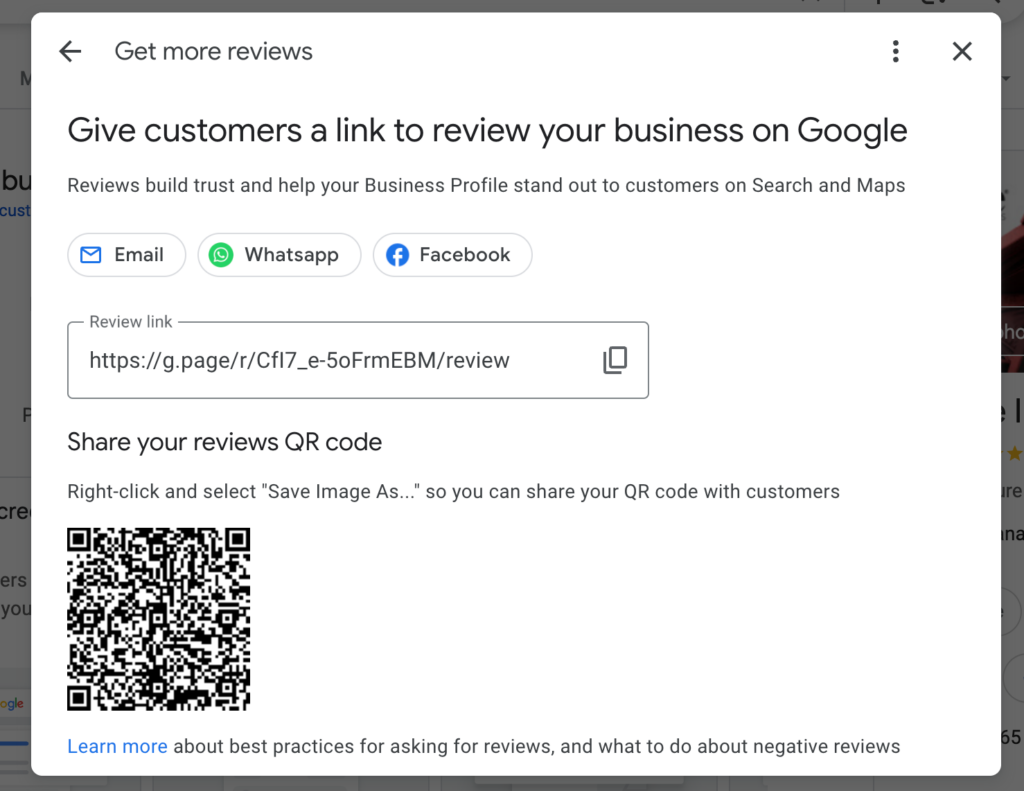
Find the “Get more reviews” section and click “Share review form.”
Step 4: Copy the Link
Google will give you a direct link to your review page. Copy it.
Step 5: Generate the QR Code
Use a QR code generator and paste your review link.
Step 6: Download the Code
Save it as a high-quality file like PNG or SVG.
Step 7: Customize It
Add your brand colors or logo if needed, but keep it easy to scan.
Step 8: Test It
Scan the code with different phones to make sure it works.
Step 9: Print it, Use It
Place your QR code on materials like receipts, signs, or cards. You can also use it in digital marketing communications such as follow up texts, emails, or on websites.
Best Practices for Using a Google Review QR Code
Creating a Google Review QR Code is quick and easy, but getting real results from it takes a bit more thought.
A well-designed and properly placed QR code can bring in a steady flow of customer reviews, while a poorly executed one may go unnoticed or unused.
The goal is to make the experience simple, clear, and inviting so customers feel encouraged to take action.
Use High-Quality Printing
Your QR code must be clear and easy to scan. Always download it in a high-resolution format such as PNG or SVG. If you’re printing for physical placement, this will be extra important.
Avoid stretching or resizing it too much, as this can make the code blurry or distorted. If a QR code looks pixelated, many phones will struggle to read it, and customers may give up quickly.
Size also matters. A very small code can be hard to scan, especially in low light or from a distance.
As a general rule, keep your QR code at least 1 inch by 1 inch for small prints like business cards.
For posters, menus, or signs, go larger so it is easy to scan without effort. A clean, sharp QR code builds confidence and improves scan success.
Place It Where People Notice
Even the best QR code will not work if no one sees it. Placement plays a huge role in how many reviews you get.
Think about where your customers naturally pause or spend time. These are the best spots to place your code.
For example, checkout counters, tables in a restaurant, waiting areas, and packaging are all strong placement options.
Service businesses can add QR codes to invoices, thank you cards, or follow-up materials. The idea is to present the code at the right moment, usually right after a positive experience when customers are most willing to leave feedback.
Make sure the code is not hidden in a corner or buried in text. It should stand out and feel like a natural part of the customer journey.
Add a Clear Call-to-Action
A QR code by itself does not explain what it does. Many customers will ignore it unless you tell them exactly why they should scan it.
This is where a clear call-to-action makes a big difference.
Use simple and friendly language that encourages action. Phrases like “Scan to leave a review” or “Share your experience with us” work well. You can also make it more personal by saying “Your feedback helps us grow.”
Keep your message short and easy to read. The goal is to remove any confusion and give customers a clear reason to scan the code.
Keep the Design Simple and Functional
Customizing your QR code with brand colors or a logo can make it more attractive and recognizable. However, it is important not to sacrifice functionality for style.
A QR code must have strong contrast between the code and the background to scan properly.
Dark colors on a light background usually work best. Avoid overly complex designs, gradients, or colors that blend together. If the code becomes hard to read, customers will not be able to scan it.
You can use a tool like Bitly to create custom designs.
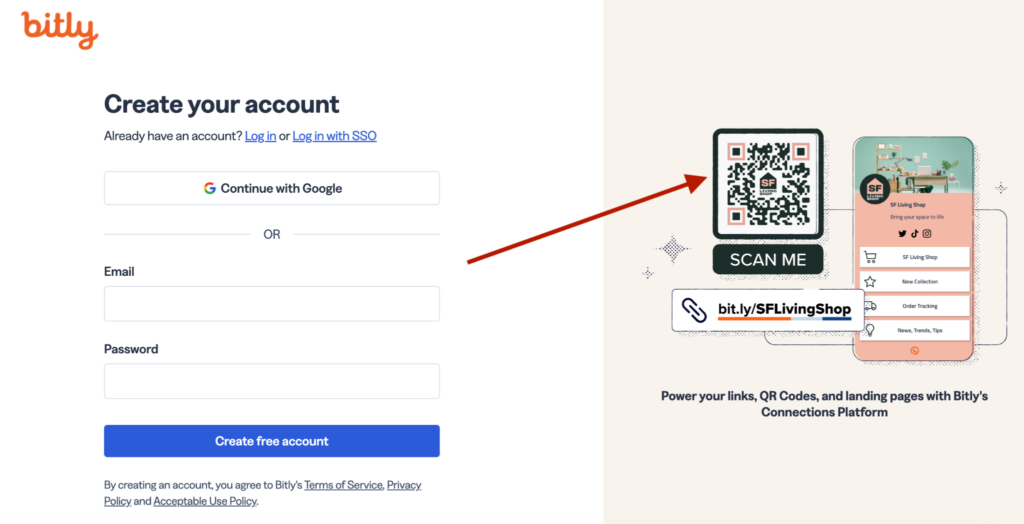
After customizing, always test the code multiple times. This ensures that your design still works across different devices and conditions.
Test on Different Devices and Conditions
Not all customers use the same phone or camera. What works perfectly on one device may not work as well on another.
Before printing or sharing your QR code widely, test it on different smartphones, including both iPhone and Android devices.
Also try scanning it in different environments. Test it in bright light, dim lighting, and from different distances. This helps you catch any issues early and ensures a smooth experience for your customers.
A QR code that works reliably in all situations will lead to more successful scans and more reviews.
Track Performance and Improve Results
If you want to get the most out of your Google Review QR Code, consider using a QR code generator that offers tracking features. Bitly is a great option, but there are many other options.
These tools can show how many times your code has been scanned and sometimes where those scans are coming from.
This data can help you understand what is working and what is not. For example, you may find that QR codes on receipts get more scans than those on posters.
With this insight, you can focus on the placements that bring the best results and help you get more Google reviews.
Tracking also helps you adjust your strategy over time, making your review collection process more effective.
Make It Part of Your Customer Experience
The most successful businesses do not treat QR codes as an afterthought. Instead, they make them a natural part of the customer experience.
Train your staff to politely mention the QR code and encourage satisfied customers to leave a review.
Timing matters. Asking for a review right after a positive interaction increases the chances that customers will follow through. Keep the process friendly and pressure-free so customers feel comfortable sharing their feedback.
When used correctly, a Google Review QR Code becomes more than just a tool.
It becomes a simple and effective way to connect with your customers, build trust, and grow your online reputation.
How a Google Review QR Code Helps SEO
A Google Review QR Code supports your local SEO strategy by making it easier to collect reviews. More reviews signal to Google that your business is active and trustworthy.
This can improve your ranking in search results and increase visibility on Google Maps.
Consistent reviews also show potential customers that your business is reliable and popular.
FAQs About Google Review QR Codes
What is the purpose of a Google Review QR Code?
It helps customers quickly access your review page so they can leave feedback without searching.
Is it free to create one?
Yes, most QR code generators are free. Some tools charge for extra features like tracking.
Where should I place my QR code?
Anywhere customers interact with your business, such as receipts, menus, or signage.
Can I track QR code scans?
Yes, many tools offer analytics so you can measure performance.
Do QR codes work on all phones?
Most modern smartphones can scan QR codes directly using the camera.
Final Thoughts
A Google Review QR Code is one of the simplest tools you can use to grow your business and online reputation. It removes barriers and makes it easy for customers to leave reviews in seconds.
Instead of hoping customers will find you online, give them a direct path. The easier you make it, the more reviews you will get.
Over time, those reviews will boost your credibility, improve your local SEO, and help your business stand out.